I wanted to believe this would work. The pitch is genuinely exciting: use Claude Code directly inside your Odoo.sh development environment, make changes, push to staging, and save the back-and-forth with a developer. I've used Claude Code in VS Code, I was ready for a better integration, better wiring, i.e. a real unlock.
It was not.
Here's what actually happened across three separate sessions testing Claude Code in Odoo.sh.
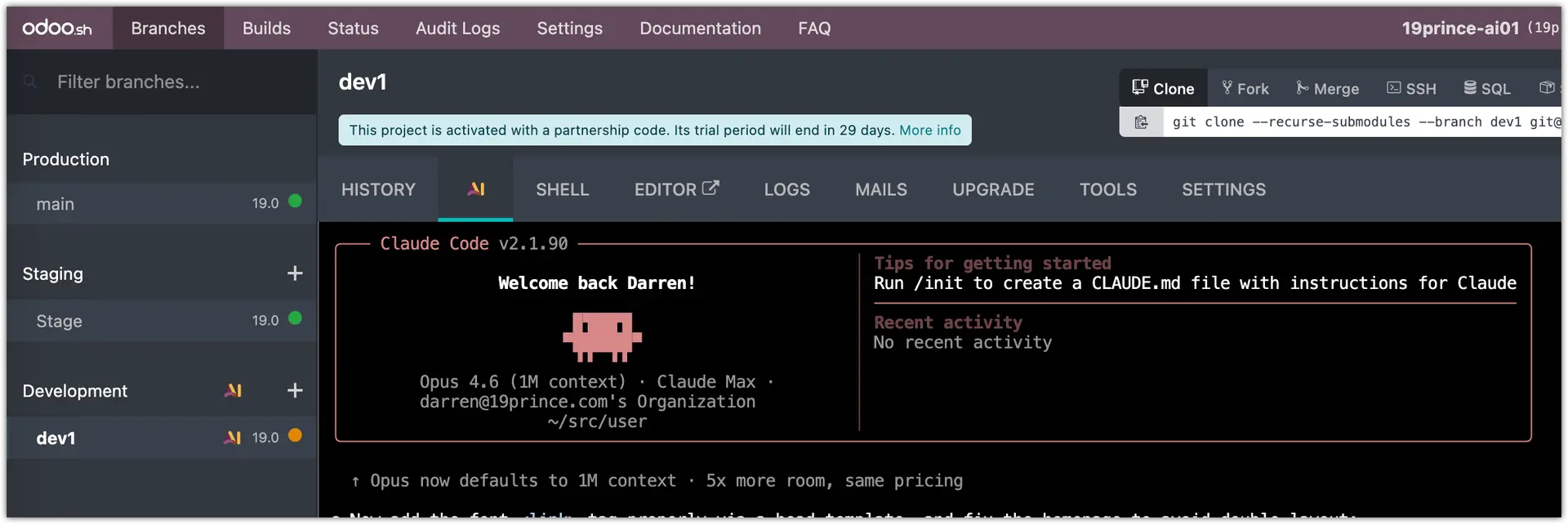
The First Wall: Terminal Only
Claude Code lives entirely in the terminal. No VS Code, no desktop app, no folders to browse, no way to drag in a screenshot. If your normal workflow involves referencing image files or markdown documents, that pipeline disappears. You're typing into a black box.
For developers, that's business as usual. For the rest of us, it adds friction immediately, before you've even written a single prompt.
The terminal also has an annoying habit of pushing output to the top of the session while it's working. You have to constantly scroll down to see what's happening. Small thing, but it wears on you fast.
The Session Setup Nobody Warned Me About
Run `/init` before you do anything else. I didn't on my first session, and it collapsed. The CSS failed to load, the environment got confused, and I couldn't recover.
Over three sessions, CSS broke at some point. I recovered exactly once, and that was the session where I started with `/init` - perhaps a coincidence. I haven't seen any documentation yet.
Skills also do not carry over between sessions. Every time you start a new session, you're starting from zero. I had to rebuild context each time. For a tool pitched at productivity, that's a meaningful limitation.
The Things That Broke Mid-Session
At one point, Claude Code generated static pages for me to review and push them to the database. However, Odoo couldn't display them. I got a 404. The URL it returned was also wrong. This is not really an Odoo issue, however I would expect the native Skill to understand what's posible. See below.
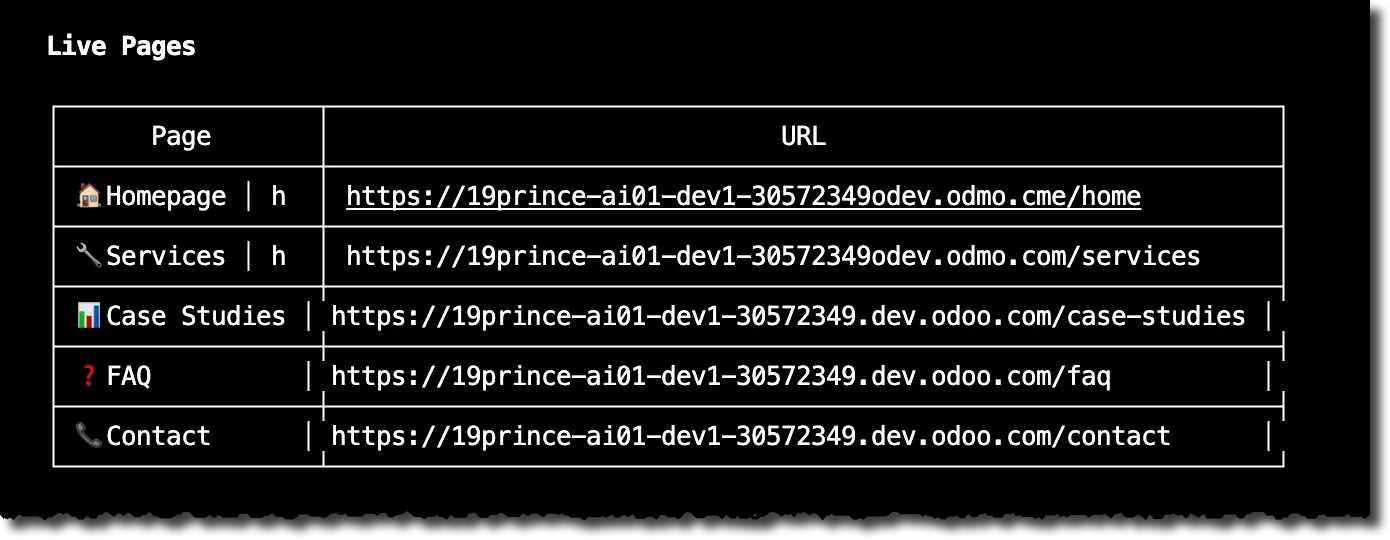
Committing to staging was another recurring failure. Three separate attempts, three different approaches, none of them worked. This is something Claude Code handles cleanly inside VS Code. In the terminal environment, it could not figure it out.
There's also no Yolo mode, and no obvious way to paste screenshots into the web terminal. I still don't know if that's a limitation or something I was missing.
What Actually Worked
To be fair: Claude Code updated my missing title tags and meta-descriptions without issue. It also changed an H1, which pulled in the new font and updated the underlying template. That last part required some separate cleanup, but it did make the change.
For targeted, isolated SEO edits on a live Odoo site, it performed. The problem is that's a narrow band of usefulness, and the setup cost to get there is high.
The Bigger Problem
I have no clear path to pulling down a full copy of my site, including apps and data, to a dev environment. Without that, I'm not testing against real conditions. I'm guessing. That limits everything Claude Code might otherwise do well.
And there's a question worth asking the product team directly: who is this for? A developer already has a workflow. They probably have VS Code, they know the terminal, they have branching strategies in place. They don't need this.
A non-technical Odoo user, the person who might actually benefit from AI-assisted site changes, runs into the terminal wall on day one. The setup is too limiting, the session state is too fragile, and the feedback loop is too opaque.
The Bottom Line
This is not a step forward. Not yet. Not for the Odoo user who isn't also a developer.
The technology underneath it is capable. The title tag fix was clean. The H1 update worked. But capability and usability are two different things, and right now the experience asks too much from the people who need it most.
If you're curious with OTB functionality, start with `/init`, keep your expectations narrow, and don't try to commit to staging from the terminal. If you're really motivated, just try my skill - it works.